# Generate a Vue component using Plop
[Plop](https://plopjs.com/) is a handy tool for code generation. It uses [Handlebars](https://handlebarsjs.com/) under the hood alongside some provided Handlebars helper functions.
By using a code generation tool like plop, you can avoid writing tedious boilerplate code and be productive right away. It's also great for maintaining consistency across the project and company.
**Updated 4 Nov 2020**: Added template for Vue 3 syntax.
## Setup
### Create a Vue project
To make sure you're set up to generate components using Plop, you'll need to have a Vue.js project. You can generate one with [Vue CLI](https://cli.vuejs.org/guide/creating-a-project.html) or with [Nuxt](https://nuxtjs.org/guide/installation/).
### Add Plop as a dependency
Run the following to add Plop as a dependency:
```sh
npm install --save-dev plop
```
### Add an NPM script
Add a command to call `plop` from an NPM script, e.g.
```json
{
"name": "example-project",
"version": "1.0.0",
"private": true,
"scripts": {
"start": "nuxt-ts start",
"plop": "plop"
}
}
```
### Create a Plopfile
Create a file named `plopfile.js` in the root of your project. Put the following code in it:
```js
// plopfile.js
module.exports = function (plop) {
plop.setGenerator('component', {
description: 'Generates a Vue component',
prompts: [
{
type: 'input',
name: 'component',
message: 'Component name, e.g. NatureBanner'
}
],
actions: [
{
type: 'add',
path: 'components/{{pascalCase component}}/{{pascalCase component}}.vue',
templateFile: 'plop-templates/component.hbs'
}
]
})
}
```
### Create a plop template
You'll notice the above plopfile references a template file `plop-templates/component.hbs`. You will need to create this file.
#### Vue 2
```html
{{pascalCase component}}
```
#### Vue 3
For Vue 3, we don't need to import or extend Vue:
```html
{{pascalCase component}}
```
These are the differences:
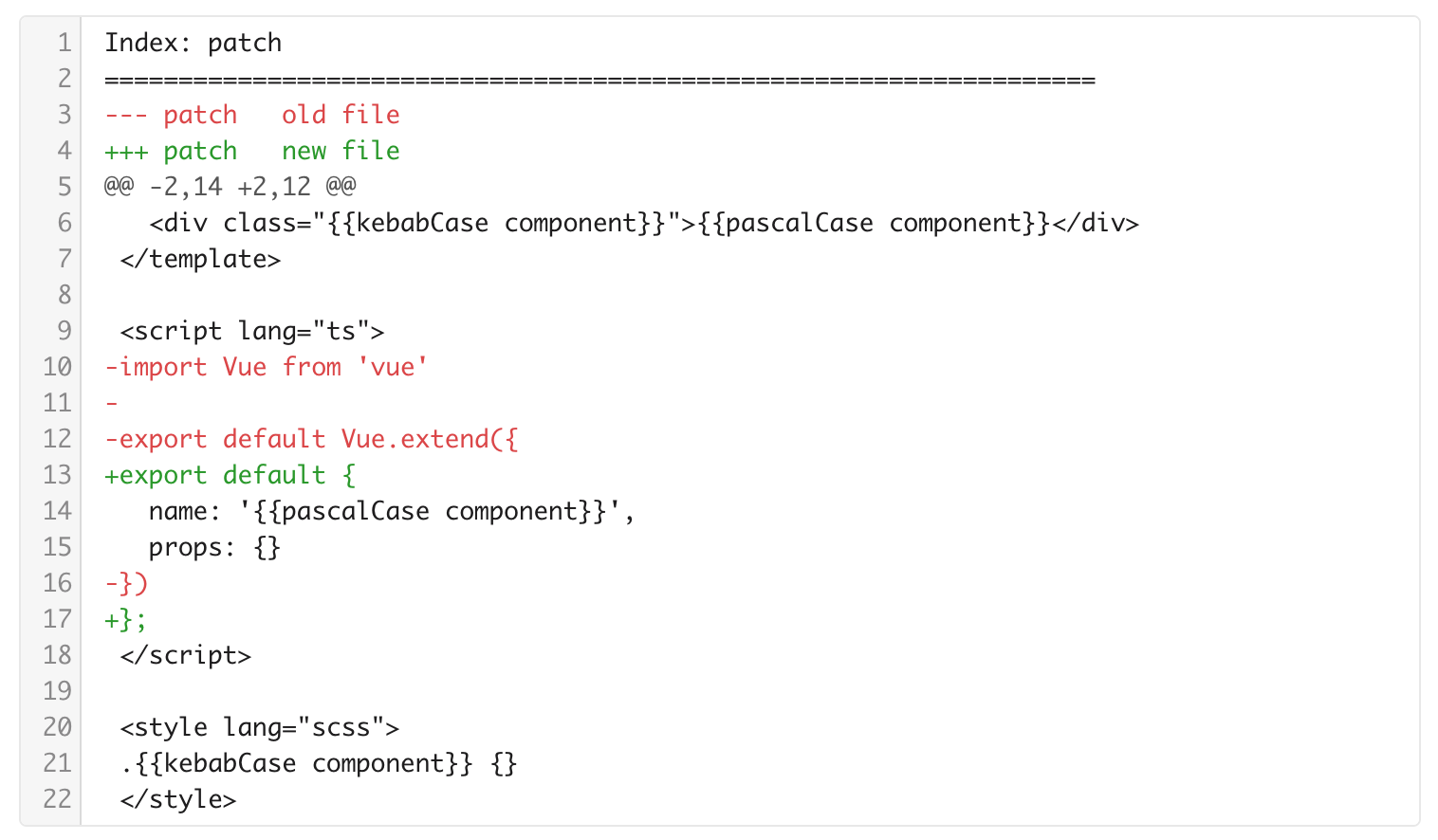
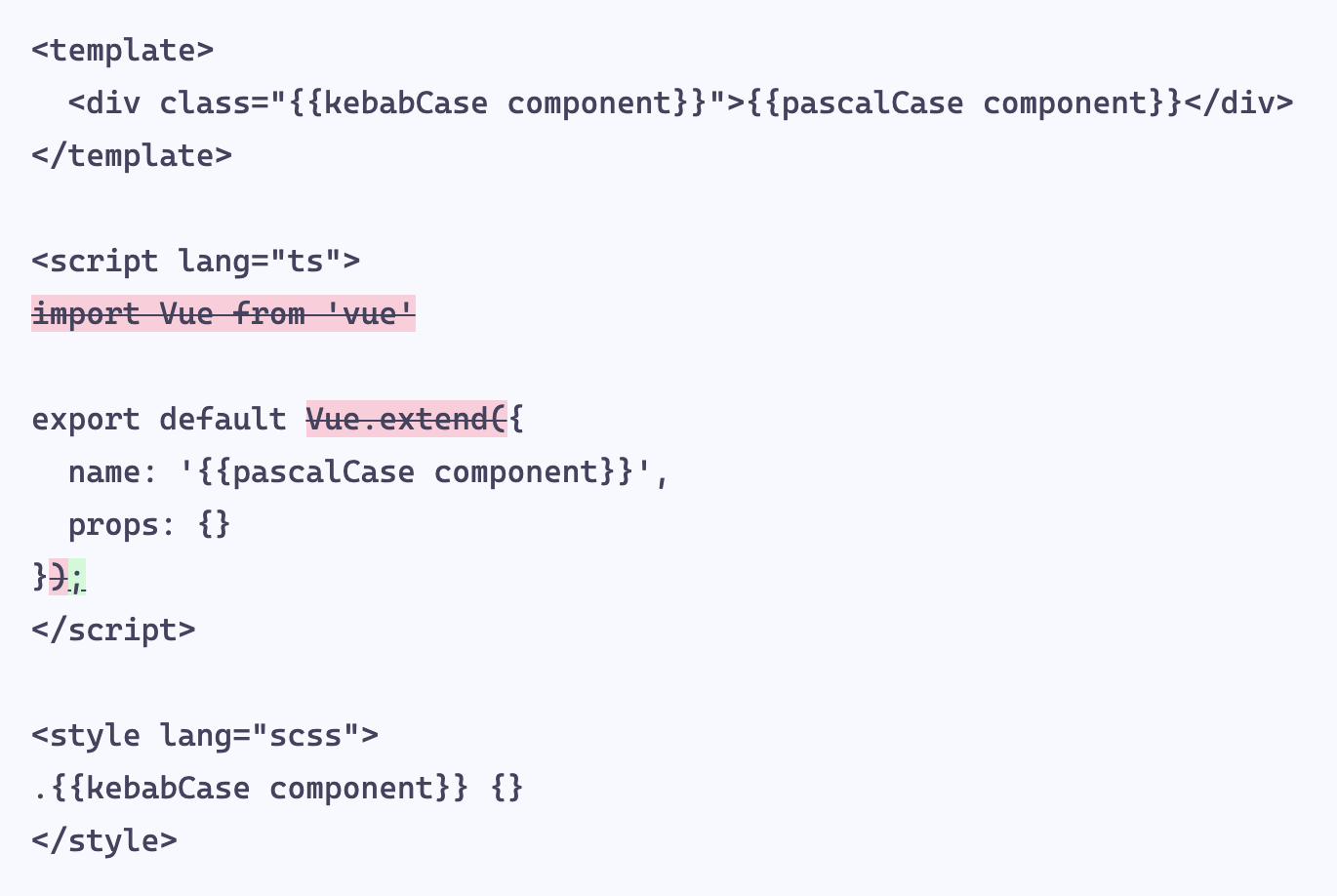
Above diffs generated with [TextDiffer](https://textdiffer.app).
**Note**: If you're using Nuxt (or any project set up to use Prettier), you will likely need to disable the "helpful" Prettier JS formatting to avoid destroying your Handlebars file.
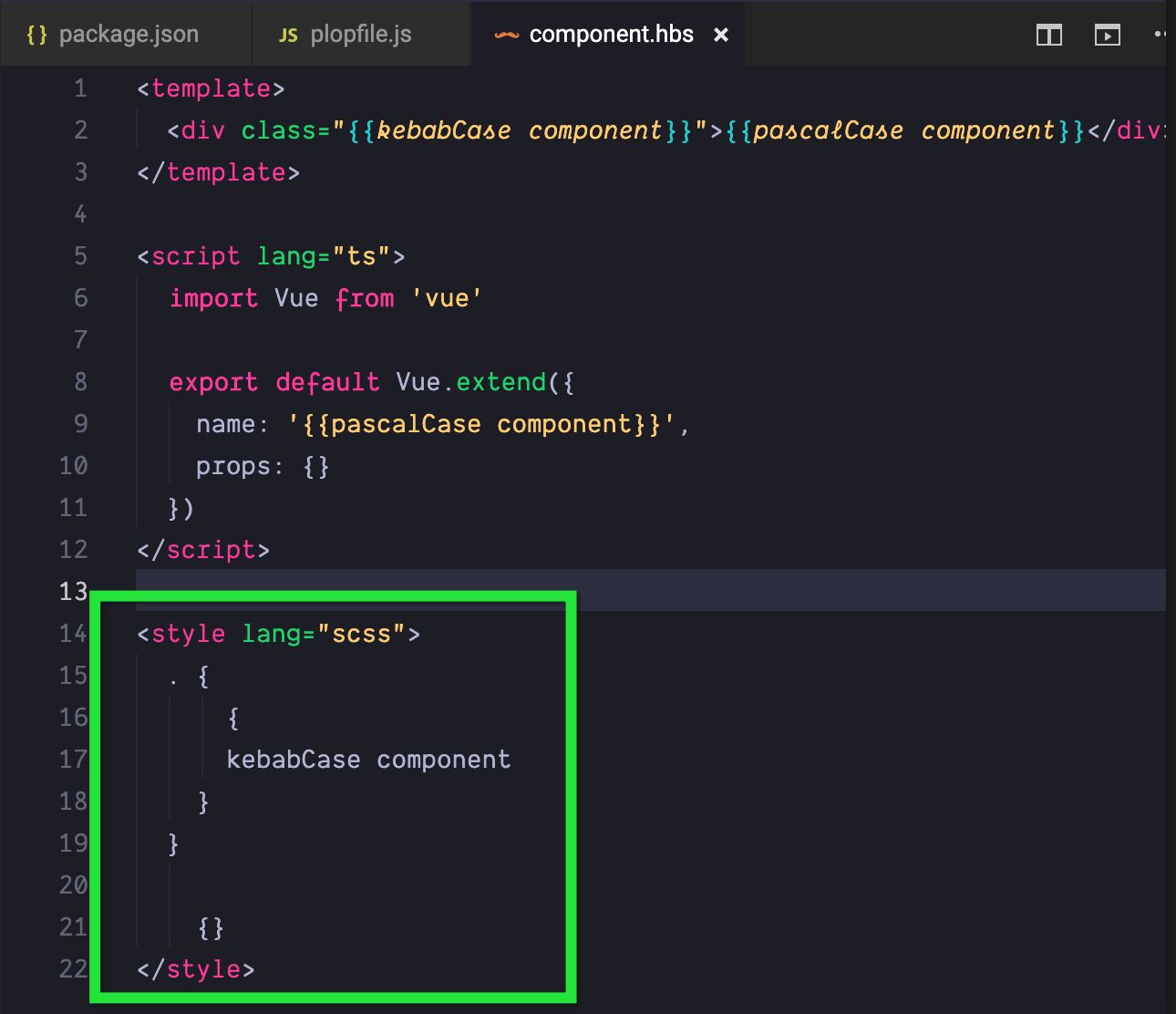
Once you've added all your files, your project should look something like this:
```sh
plop-vue-example/
├── package.json
├── plop-templates
│ └── component.hbs
└── plopfile.js
1 directory, 3 files
```
### Run your script
Now all you need to do is run your script to generate a component:
```sh
npm run plop
```
You will be prompted for the component name. Enter it.
You should now have generated a component in the project's component directory:
```sh
components/
├── Logo.vue
├── NatureBanner
│ └── NatureBanner.vue
└── README.md
1 directory, 3 files
```
If you open the file, you should see a Vue component that uses Sass and TypeScript was generated.
```js
NatureBanner
```
You can see an [example without Sass or TypeScript here](https://codesandbox.io/s/generate-vue-components-with-plop-example-nuxtjs-ivcxb).
%[https%3A%2F%2Fcodesandbox.io%2Fs%2Fgenerate-vue-components-with-plop-example-nuxtjs-ivcxb%3Ffontsize%3D14%26hidenavigation%3D1%26module%3D%252Fplopfile.js%26theme%3Ddark%26view%3Deditor]