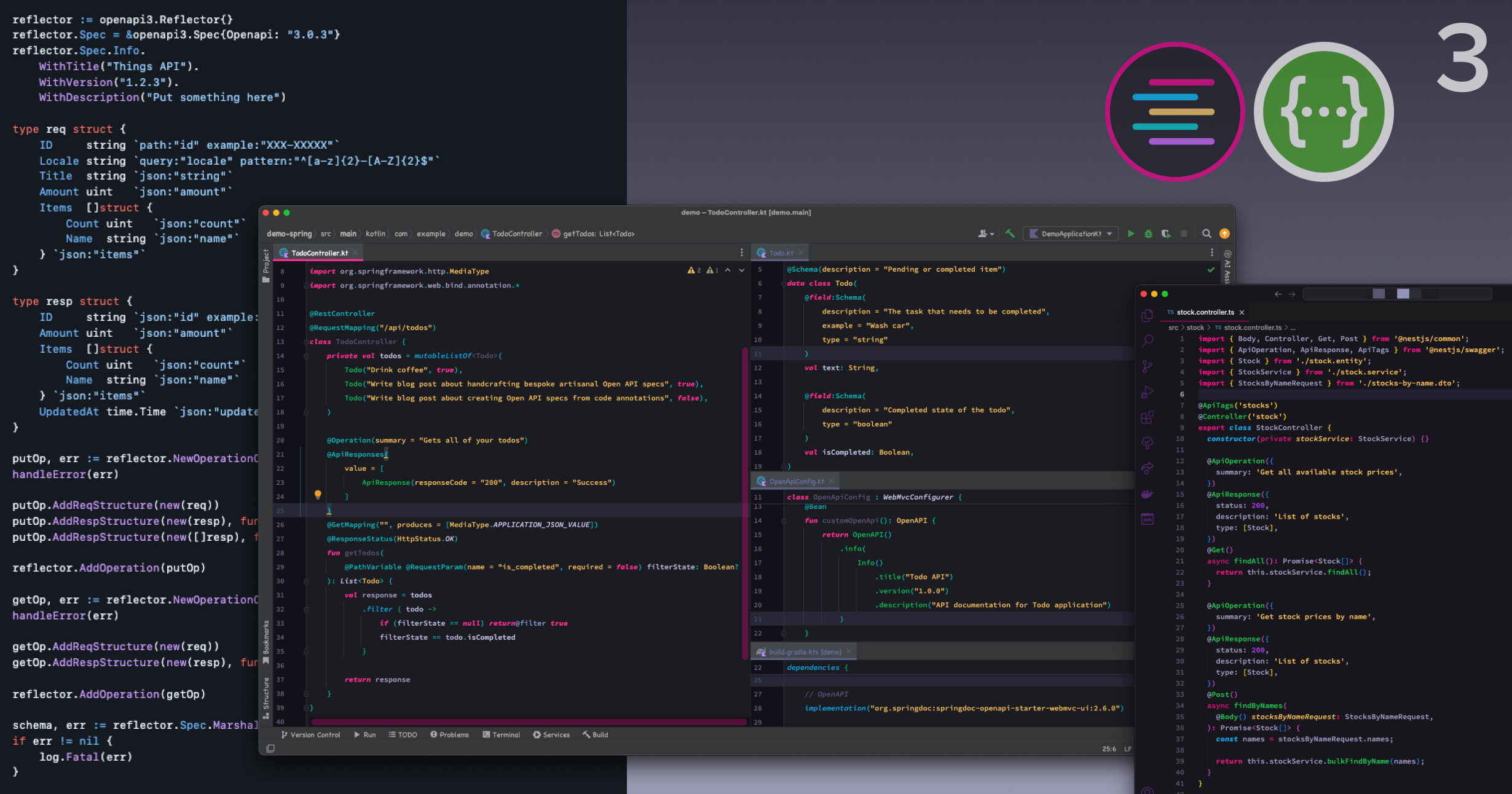
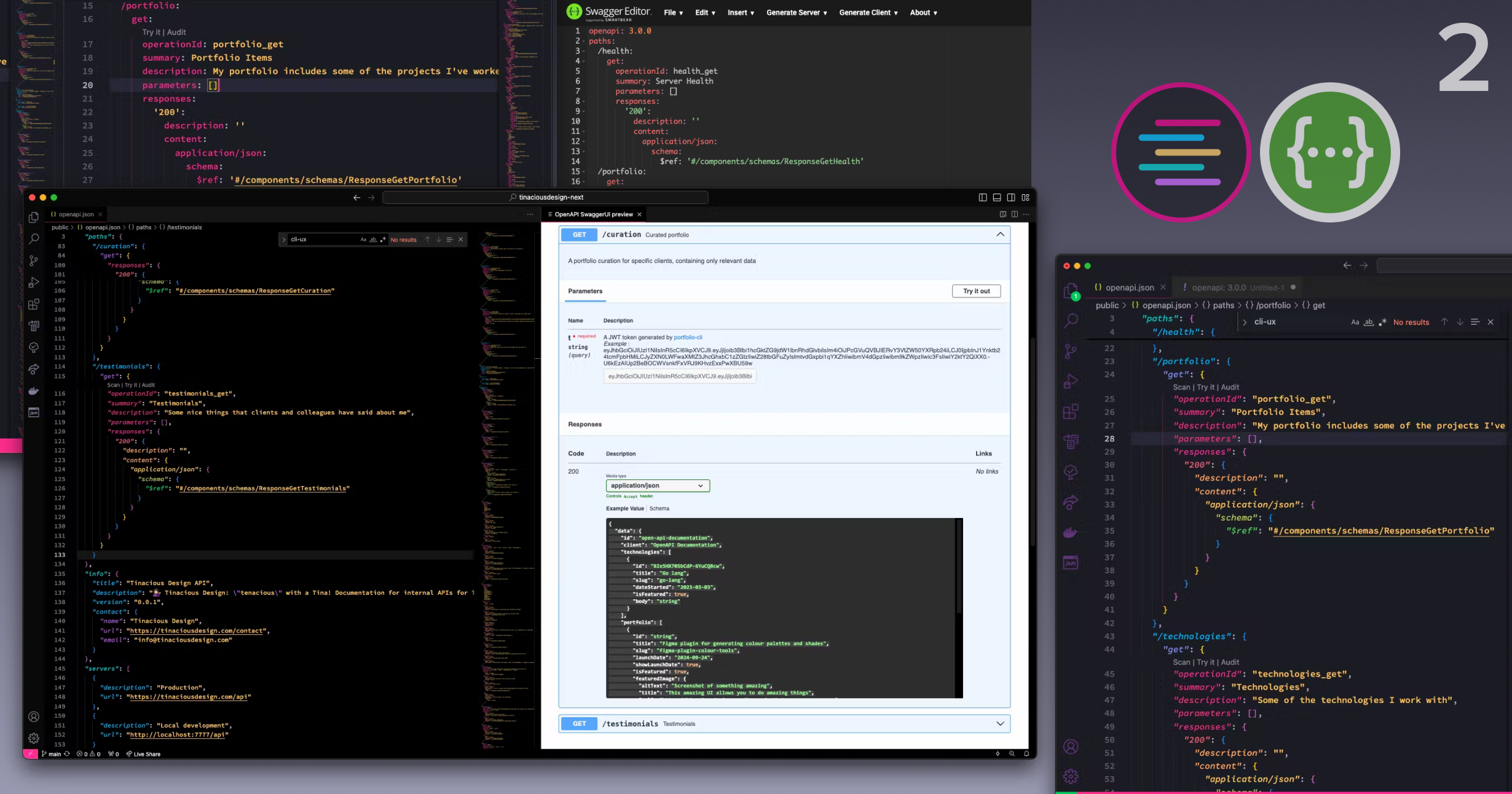
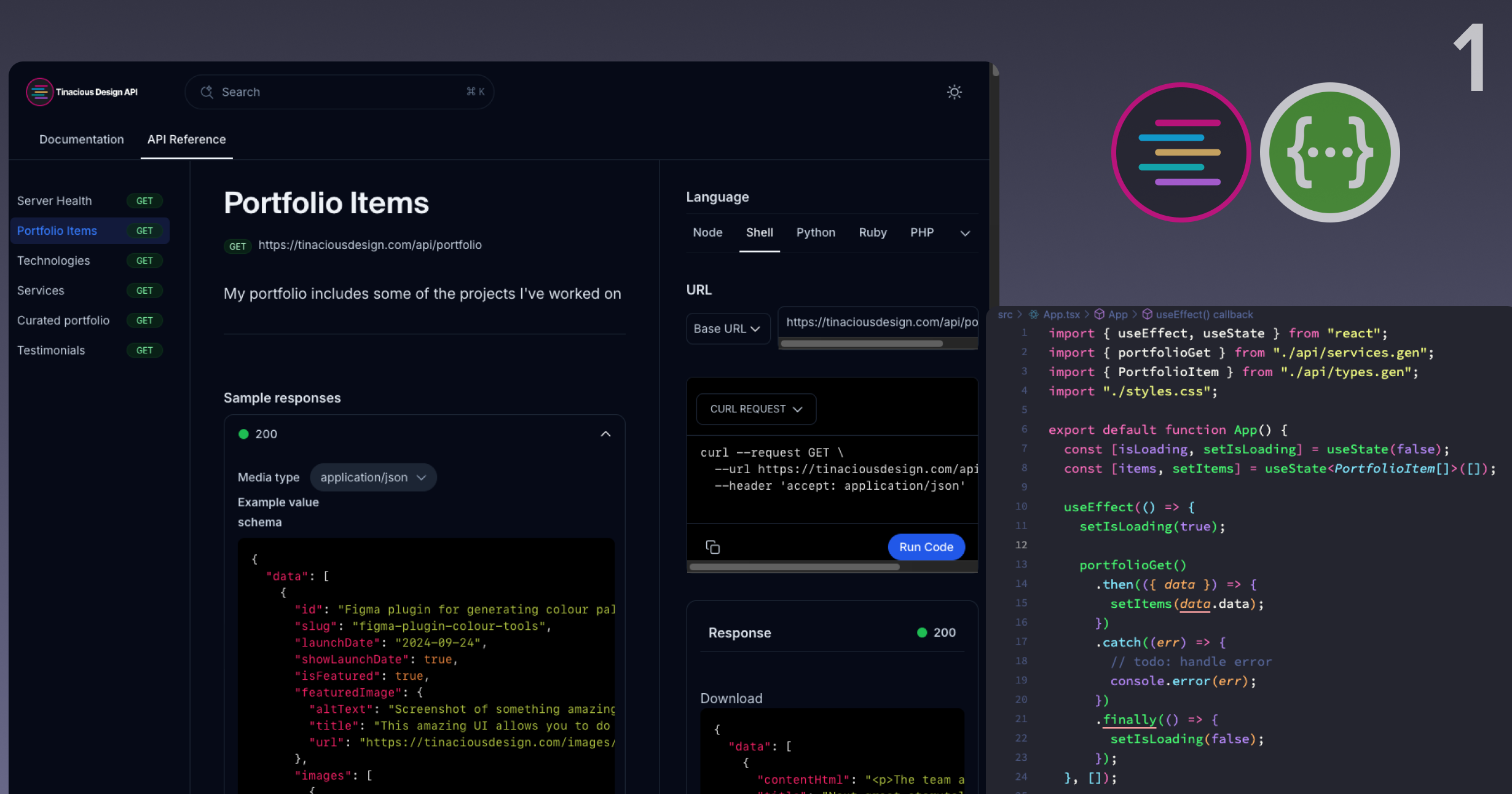
Syntax theme for Atom, VSCode, and Sublime

I've designed a syntax theme that works in the most popular text editors for front-end development, including Visual Studio Code, Sublime Text, and Atom.
A dark syntax theme
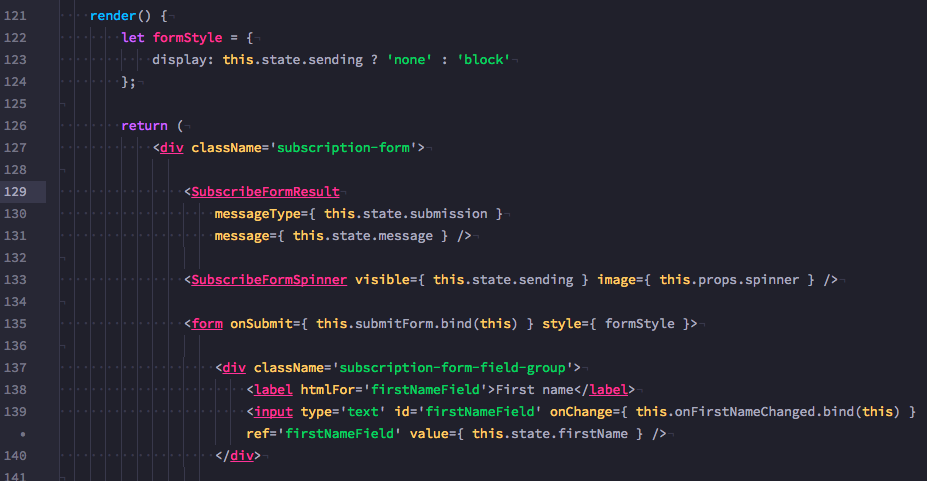
The syntax theme is dark with high-contrast colours. The primary colour is a deep pink, with complementary colours including purple, blue, orange, and green. 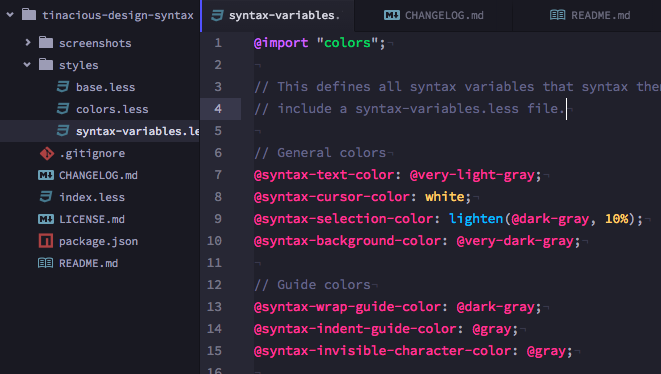
A syntax theme for JavaScript and CSS
When developing this theme, I wanted it to look great in JavaScript, since that is where I spend a lot of my time. 
Editor support
The theme is supported in a number of editors:
- Visual Studio Code
- Sublime Text
- Atom
Visual Studio Code
You can get the theme from the Visual Studio Marketplace page. The feature set has been updated in April 2020. You can read about the updated features here. You can also install it right from VSCode by running the following command in the command palette:
ext install theme-tinaciousdesign
It should take you to the extensions tab.


Sublime Text
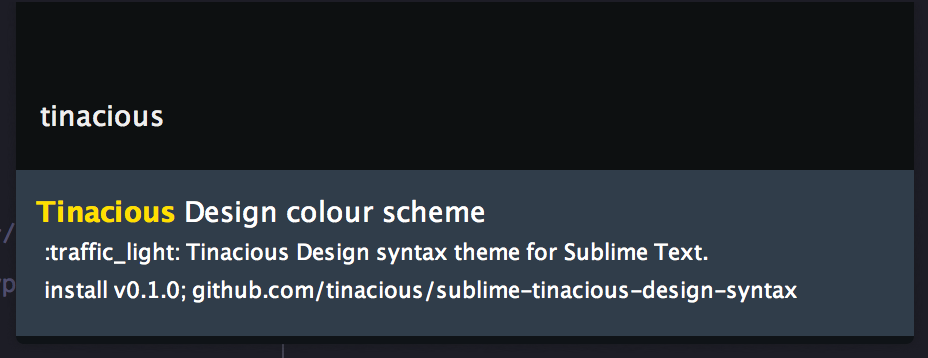
You can get the theme for Sublime from Package Control. It's available from the install theme command—simply search "Tinacious Design."
Atom
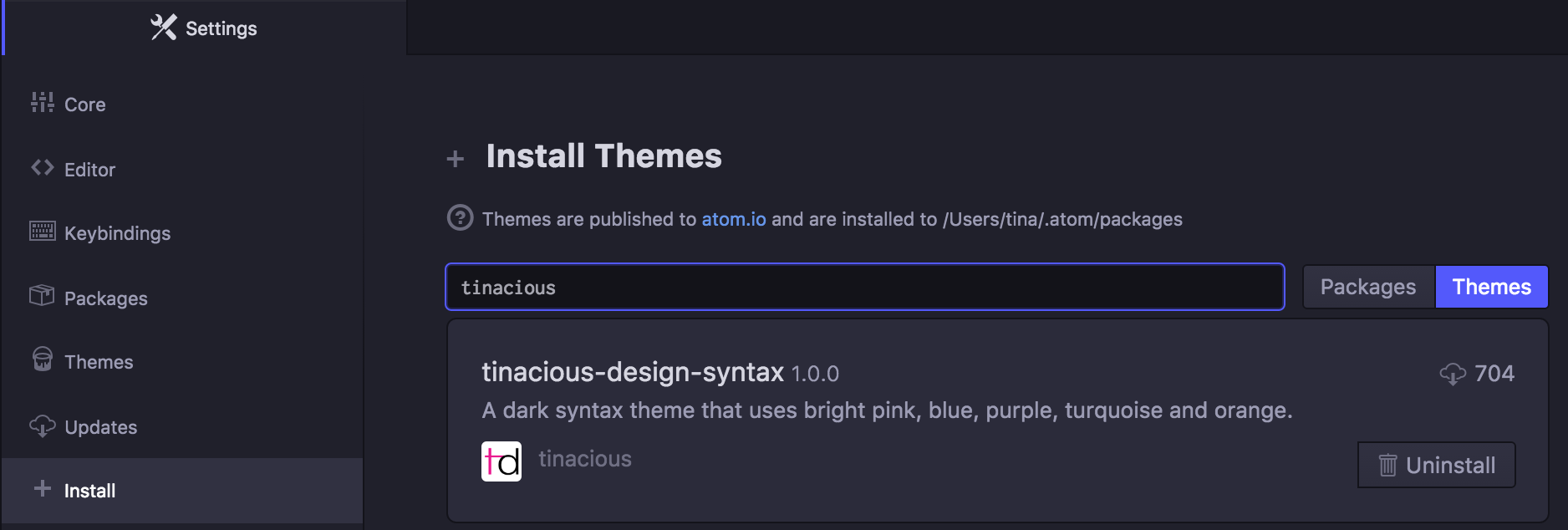
You can get it from the Atom themes site. You can also install it right from Atom—just go to the Settings, click on the Install tab, click Themes beside the search bar, and type in "Tinacious" or "tinacious-design."
About the author
Hi, my name is Tina! I am a Full Stack Software Developer and Tech Lead from Canada. 🙋🏻♀️
Comments
Join the discussionNo comments yet. Be the first to comment.